How to run an AI brand perception audit in one afternoon
A step-by-step AI brand perception audit: a free first scan, a prompt list by intent, recording claims, grouping them into themes, tracing sources and marking what is wrong.
By the end of this afternoon you'll have three things: a sheet of every claim four AI engines make about your brand, a one-page summary of those claims by theme, and a short list of the wrong ones with the pages that probably caused them. That is an AI brand perception audit. It takes about four hours by hand, it costs nothing, and it will tell you whether you need a tracking tool at all.
The method below is the one we use when we look at a brand for the first time. Timings are rough.
Before you start: a free scan (20 minutes)
Start with Promptwatch's free AI Visibility Report. You type your domain, and it reads your robots.txt, extracts what AI thinks your company does, then asks ChatGPT, Gemini and Perplexity the kinds of questions a buyer would ask, live, in a couple of minutes. You get a score and a list of things to fix. No account is needed.
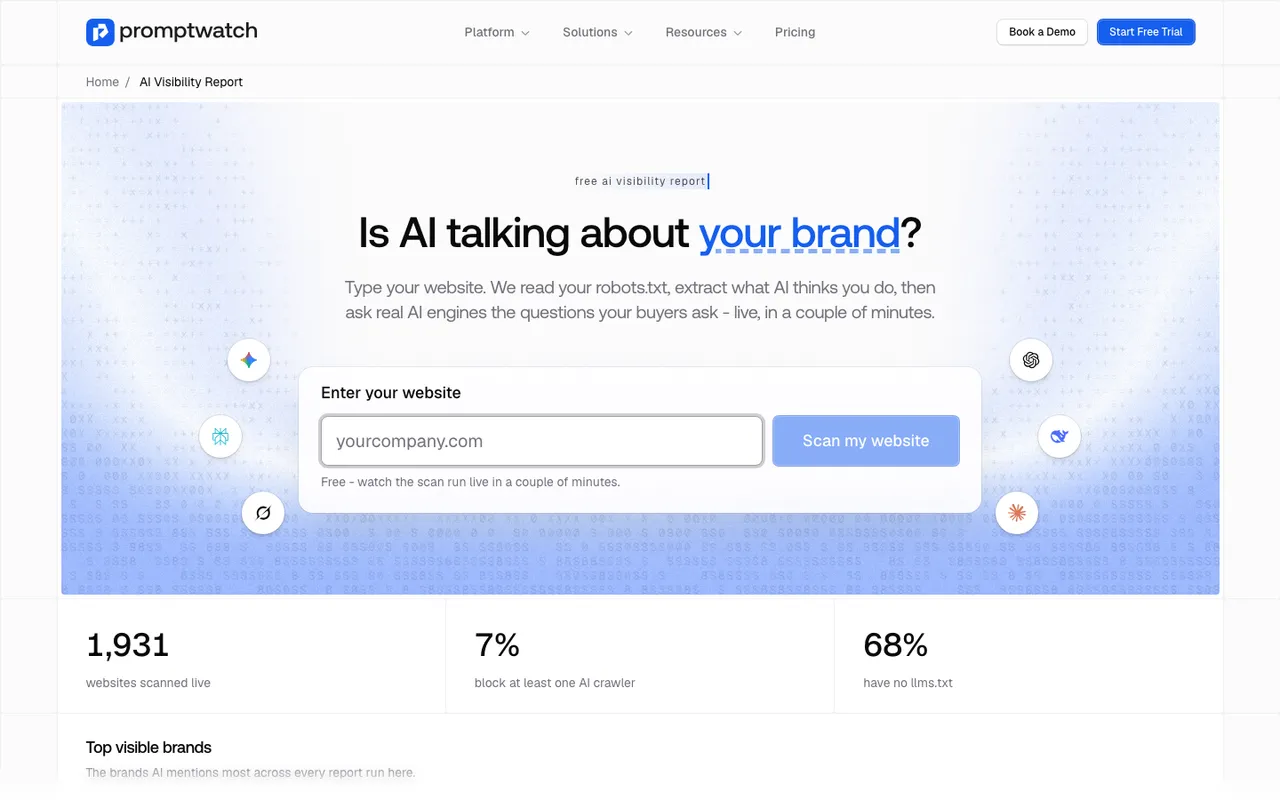 Promptwatch's free AI Visibility Report page, captured November 6, 2026.
Two parts of the result matter for a perception audit. The first is the description of what AI thinks you do. If that summary is off (wrong category, wrong audience, an old product line), you've found your first perception problem before writing a single prompt. The second is the crawler check. If your robots.txt blocks AI crawlers, live-search engines can't read your current pages, and some of what they say about you will come from other people's pages instead.
Step 1: write 24 prompts by intent (40 minutes)
Perception differs by the kind of question, so split your prompts into four groups of six.
- Branded: "What is [brand]?", "Is [brand] worth it?", "What are the downsides of [brand]?", "Who uses [brand]?"
- Comparison: "[brand] vs [rival A]", "[brand] vs [rival B] for a small team", "Alternatives to [brand]"
- Category: "Best [category] for [your main audience]", "Best [category] for [a secondary audience]"
- Problem: the job your buyer is trying to get done, phrased without any brand names.
The "downsides" and "alternatives to" prompts are the most revealing. They invite the engine to say what it has absorbed about your weaknesses. Write the prompts the way a buyer would type them, not the way your homepage talks.
Step 2: pick engines and clean sessions (15 minutes)
Use four engines: ChatGPT, Gemini, Perplexity, and Google's AI Overviews or AI Mode. Run every prompt logged out or in a fresh private window, so your own history and memory don't color the answer. Note the country you're running from, because live-search engines answer differently by location.
If you have time, run each prompt twice. Answers vary between runs, and a claim that appears both times is more telling than one that appears once.
Step 3: run and record (75 minutes)
That's 24 prompts on four engines, or 96 answers. Paste each into a sheet with these columns:
| Prompt | Intent | Engine | Run | Named? | Position | Answer text | Cited URLs |
|---|
"Named?" is yes or no. "Position" is where you appear in the order of brands, 1 for first. Paste the cited URLs too; you'll need them in step 6.
Step 4: pull out the claims (40 minutes)
Now read every answer that names you and copy each sentence about your brand into a second tab, one row per claim. A few rules keep it honest, and they mirror how Promptwatch's Brand Narrative filters claims:
- Quote verbatim. Don't paraphrase "it's a bit pricey" into "expensive".
- Skip fragments under four words. "Acme, Globex, Initech" is a list, not a claim.
- Only keep claims about your brand and the rivals you care about.
- Keep exact prices in a separate column. They change often and deserve their own check against your pricing page.
When two answers make the same point in different words, put them in the same row and count them.
Step 5: group claims into themes (20 minutes)
Give each claim a theme. Borrow Promptwatch's nine, because they cover most of what engines say: Pricing, Features, Quality, Usability, Range, Support, Reputation, Audience and Company. Mark each claim positive, neutral or negative.
Then build the one-page summary: for each theme, how many claims, how many negative, and the single claim repeated most. This is usually where the picture snaps into focus. You might find Support is uniformly warm, Features carries one recurring complaint, and Audience consistently names a segment you stopped selling to.
Step 6: find the sources (25 minutes)
For each negative or doubtful claim, open the URLs cited in the answers that contain it. Look for the sentence that says the same thing. Common culprits are old review pages, comparison articles from a previous product version, forum threads, and your own outdated blog posts or help articles.
A cited page isn't proof the claim came from there, but it's the first place to look. For ChatGPT, Promptwatch's free GEO Inspector extension also shows which pages were fetched but not cited, which helps when the culprit isn't in the visible source list.
Step 7: mark what's wrong and decide the fix (25 minutes)
Sort every negative claim into one of five buckets. The fix follows from the bucket:
- Wrong, and your own site says it. Your page is the likely source. Update or remove it.
- Wrong, and your site already says the opposite. A third-party page is the likely source. Ask the publisher for a correction, and make the correct page easy to find.
- Accurate, but nowhere on your site. State it plainly on a relevant page. Engines repeat what pages say outright.
- Pages that disagree. An old post next to a current pricing page. Retire the old one so there's one answer.
- Fair criticism. Not a content fix. Take it to the product or support team.
When you rewrite a page to correct a claim, remove the wrong statement entirely rather than denying it. "We do support SSO" is better than "contrary to reports, we don't lack SSO", which still puts the wrong idea in front of the engine.
Reading the results
Your sheet also gives you the basic visibility picture, which helps explain the perception findings. Promptwatch's metrics guide offers a useful reading: low share of voice means a coverage problem, late position means a prominence problem, mentions without citations of your own site mean a content or crawlability problem, and good visibility with weak sentiment means a reputation problem.
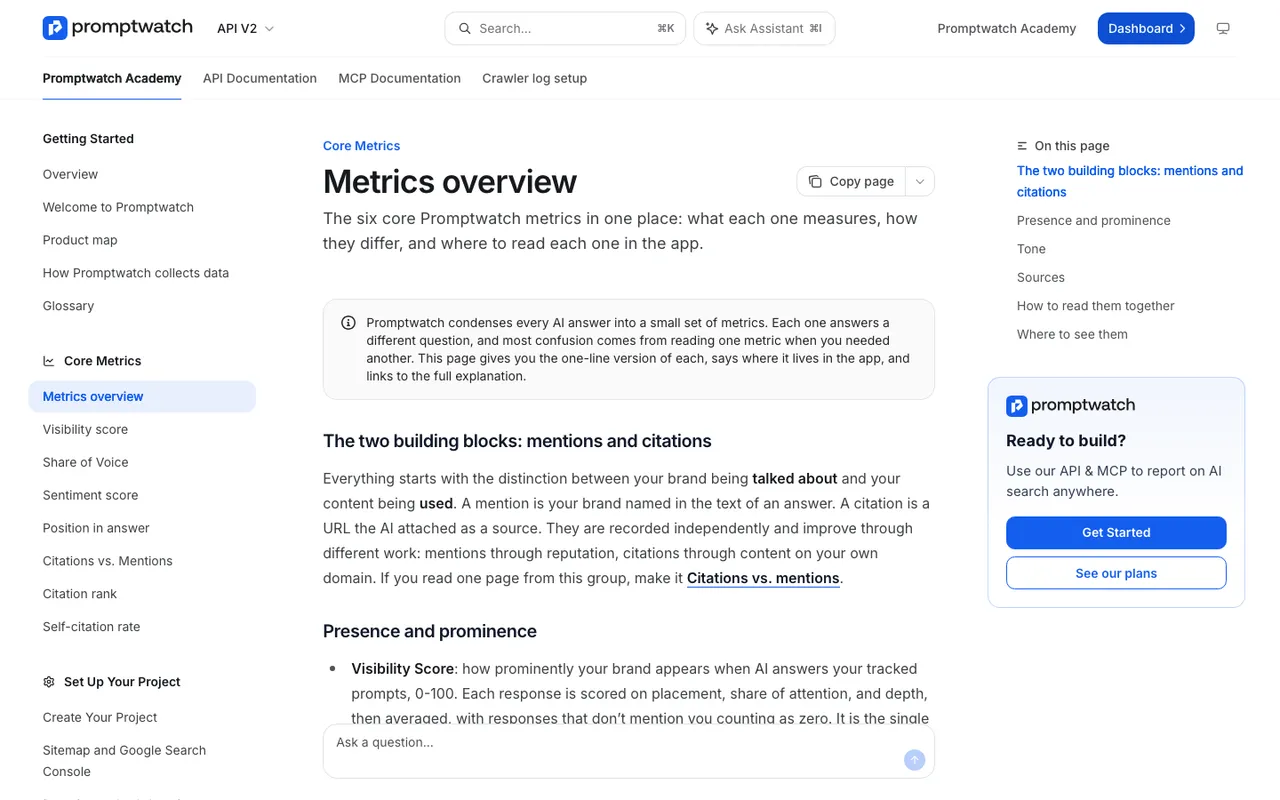 Promptwatch Academy's Metrics overview page, captured November 14, 2026.
If your audit shows lots of mentions but few citations of your domain, engines are describing you from other people's pages. That's when wrong claims tend to stick.
When the audit outgrows the spreadsheet
One afternoon gives you a snapshot of 96 answers from one location. It can't tell you whether a claim is getting more or less common, whether it shows up for some personas and not others, or whether your fix worked. Repeat the audit weekly across four engines, two runs and a few markets and you're past 700 answers a month, which nobody will keep reading by hand.
That's the point to bring in a tool from our perception tracking ranking. Promptwatch automates every step above: prompts run daily, collected from the real interfaces of ChatGPT, Gemini, Perplexity and Google's AI answers, Brand Narrative extracts and groups the claims into the same nine themes on every plan, each claim links to the pages cited beside it, and on Business ($579 a month) Fact Check reads your site and up to 50 of the most-cited pages to tell you which bucket a wrong claim belongs in. AthenaHQ and Scrunch AI track sentiment if you only need the tone trend.
Your first step
Run the free AI Visibility Report on your domain now, before writing prompts. Read what it says AI thinks you do. If that one sentence surprises you, block out the rest of the afternoon.