How can I understand which products are being recommended in ChatGPT's new shopping feature? 7 checks, ranked
Seven checks, ranked by how much they explain, for working out which products ChatGPT's shopping feature recommends, plus the tools that track it best.
You cannot see ChatGPT's product ranking logic. OpenAI does not publish it, and none of its merchant or developer pages read for this article list ranking factors. What you can see is the output: which products show up as cards, for which questions, next to which merchants, and whether an ad sits under the answer. Understanding the shopping feature means measuring that output systematically.
We ranked the seven checks below by how much each one explains per hour of work. The tool that covers most of them in one place is Promptwatch, which is why it tops the shortlist at the end.
1. Track a fixed prompt set over time, not one-off chats
This ranks first because everything else depends on it. A single chat tells you what one person saw once. Shopping features also do not fire on every query: Promptwatch's ChatGPT Shopping usage report finds them on only a low single-digit percentage of web-search responses across all prompt types, with rates "far higher" on commercial and transactional prompts. The same report describes the rate moving in steps, roughly doubling overnight in late May before falling back weeks later.
So pick 30 to 100 buying questions for your category, run them on a schedule, and record which products appear. Promptwatch's ChatGPT Shopping module (Business plan, $579 a month, and Enterprise) does this on top of normal prompt monitoring. It covers ChatGPT shopping carousels and Amazon Alexa product results, lets you upload your own catalog, and filters by model, date and monitor. Its changelog notes it was updated to read the new product card format ChatGPT switched to around October 15, 2026, and re-read answers from then on.
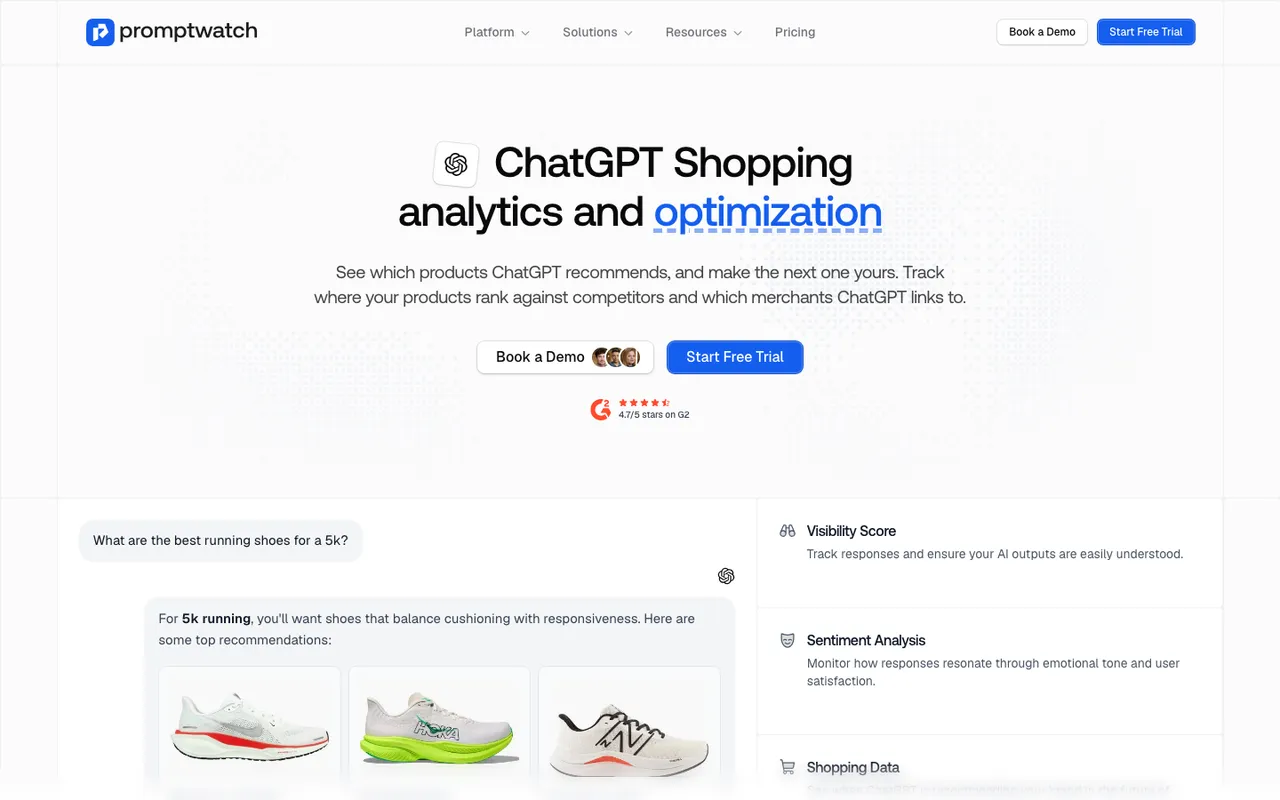
Promptwatch's ChatGPT Shopping feature page, captured November 8, 2026.
2. Separate sponsored placements from organic picks
OpenAI states that "Ads do not influence ChatGPT's answers" and that ads run on separate systems from the chat model. Ads appear below a response as one ad unit, and only for Free and Go users in markets where ads run. If you mix ads into your product counts, you will misread the organic recommendation.
Promptwatch's Ads Radar captures sponsored ads inside ChatGPT Search answers to your tracked prompts, with the advertiser, the landing page and the prompt that triggered each ad. It does not cover Perplexity and does not report on your own OpenAI campaigns.
3. See which merchants and pages ChatGPT links to
Products in ChatGPT come with merchants and sources. OpenAI's help article on search says you can open Sources to see cited pages. At scale, citation analytics in Promptwatch show which review pages, retailers and brand pages get cited on each prompt, which tells you where ChatGPT is learning about the products it recommends.
4. Account for personalisation
OpenAI's merchants page says ChatGPT matches products to people "based on shopper preferences and past interactions". Two shoppers can see different cards for the same question. Tracking from clean sessions gives you a baseline; Promptwatch personas (with persona stacking) let you test how answers shift for, say, a budget runner versus a marathon trainer.
5. Check how your catalog reaches ChatGPT
OpenAI says ChatGPT can use merchant feeds plus "other available retail and public web sources". A feed is optional, but OpenAI says it gives "greater control over how your products appear". Shopify and Etsy catalogs are already integrated. Shopping is live for U.S. ChatGPT users only, and purchases complete on merchant sites, since OpenAI is moving away from standalone Instant Checkout.
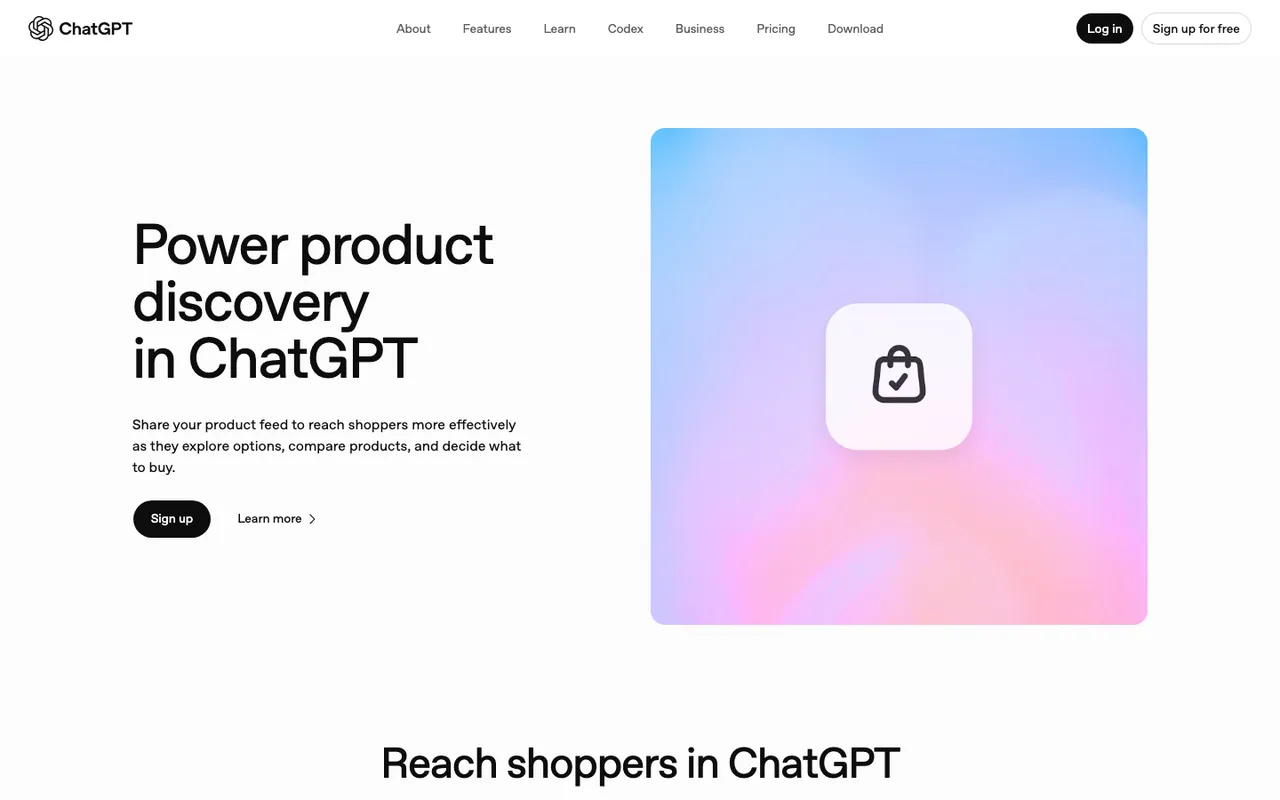
ChatGPT's "Power product discovery in ChatGPT" merchants page, captured November 21, 2026.
6. Confirm OpenAI's crawlers can reach product pages
OpenAI says sites opted out of OAI-SearchBot will not be shown in ChatGPT search answers. Promptwatch's Agent Analytics shows IP-verified visits from OAI-SearchBot and ChatGPT-User on your product URLs, so you can tell a crawl problem from a content problem.
7. Measure the click
Since checkout happens on your site, the visit is where revenue shows up. Promptwatch's changelog records that ChatGPT stopped sending a referrer on October 8, 2026. Its visitor analytics can count utm_source=chatgpt.com visits as ChatGPT again through a toggle, and a real referrer always wins.
Tools that track ChatGPT shopping recommendations, ranked
- Promptwatch. Product cards, Ads Radar, citations, crawler logs and conversions in one account. ChatGPT Shopping starts on Business; it is not on agency plans.
- Azoma. SKU-level visibility across ChatGPT Shopping and retailer agents such as Amazon's Alexa for Shopping and Walmart Sparky, plus catalogue enrichment. Custom pricing for enterprise CPG teams.
- Goodie AI. Tracks agentic commerce surfaces such as Alexa and Walmart Sparky; SKU-level commerce visibility is on Pro at $999 a month.
- Ranketta. Product-level tracking for stores from €29 a month (two models, 30 prompts per model, one country), with enrichment from €79.
- FoundInAI. A Shopify app with a free plan and paid tiers from $9 a month. Small check volumes and launched in August 2026, so treat it as a first look.
The short version
Run your buying questions on a schedule, strip out ads, read the sources, and tie it back to visits. Promptwatch's 7-day free trial on monthly billing is the quickest way to see your own category's product cards side by side.